Ever feel like your Pixellab designs were lacking creativity and professionalism? Perhaps you have tried to incorporate effects but not found them suitable enough. Or even looked at tremendous animations, shadows, and zooms on some other design and thought to yourself, “How do they accomplish this?
Download Pixellab today and realize its full capabilities—this formidable edit app exceeds text and image alterations, with which you can develop amazing effects based on appropriate tactics. This article will cover enhanced editing procedures in Pixellab such as magnifying glass effect, 3D map animation, body shadow effect, zoom in-zoom out animation, and so much more.
If you’ve ever been stuck or wanted to upgrade your Pixellab editing skills, you’re in the right place.
Advanced Editing Techniques in Pixellab – Step-by-Step Guide
In this we have discuss some advanced editing techniques in pixellab for social media purpose:
1. Magnifying Glass Animation:
Magnifying glass animation is a creative, interactive and interesting method to emphasize key elements of your design or infographic or video. This effect is interactive and gives the impression of a magnifying glass floating above a region, zooming in to show more details.

How to Do It:
- Begin by designing your background design in Pixellab.
- Use the “Shape” or “Text” tool to make a magnifying glass icon.
- Copy the area you need to magnify and position it over the original.
- Use a zoom effect on the copied area and mask it into a circle.
- Insert smooth animation to the magnifying glass so that it looks like it’s moving across the design.
This method is ideal for tutorials, lectures, product demonstrations, infographic or any design where you would like to focus user’s attention.
2. 3D Map Animation:
3D map animations provide depth and dimension to your designs, giving them a more dynamic and professional appearance. This is particularly helpful for travel-related content, event promotions, or storytelling graphics.
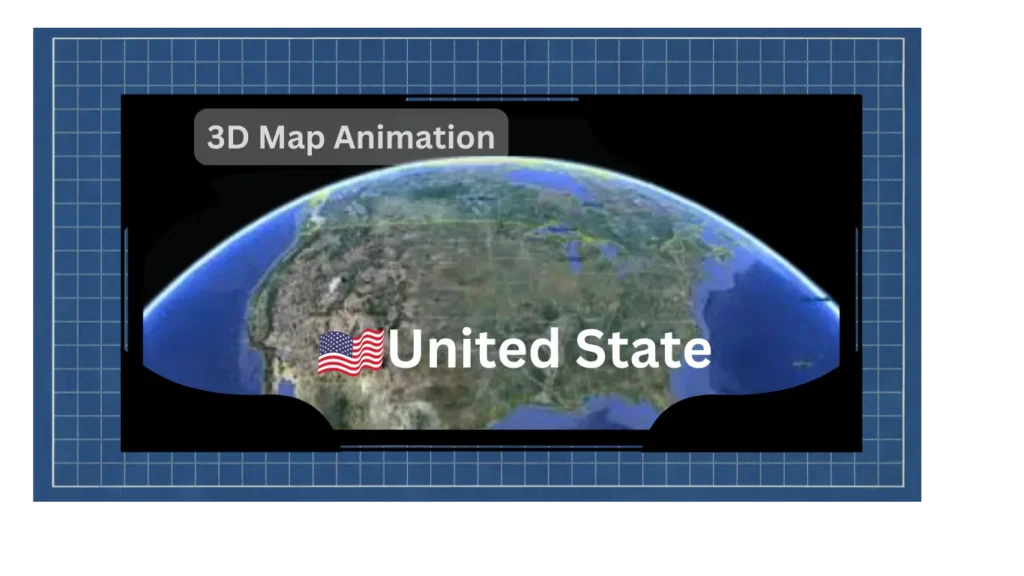
How to Do It:
- Import a map image into Pixellab.
- Apply the “3D Transform” tool to tilt the map and provide it with a three-dimensional appearance.
- Add animated paths or markers to point out places or areas.
- Play around with shadows and lighting effects to create more 3D illusion.
This effect will make the animation pop and leave a deep impression on your audience
Body Shadow Effect.
3. Body Shadow Effect:
This trick is easy, simple to do, and very effective. It gives the object a realistic effect with shadows and makes the object look like it’s floating above.
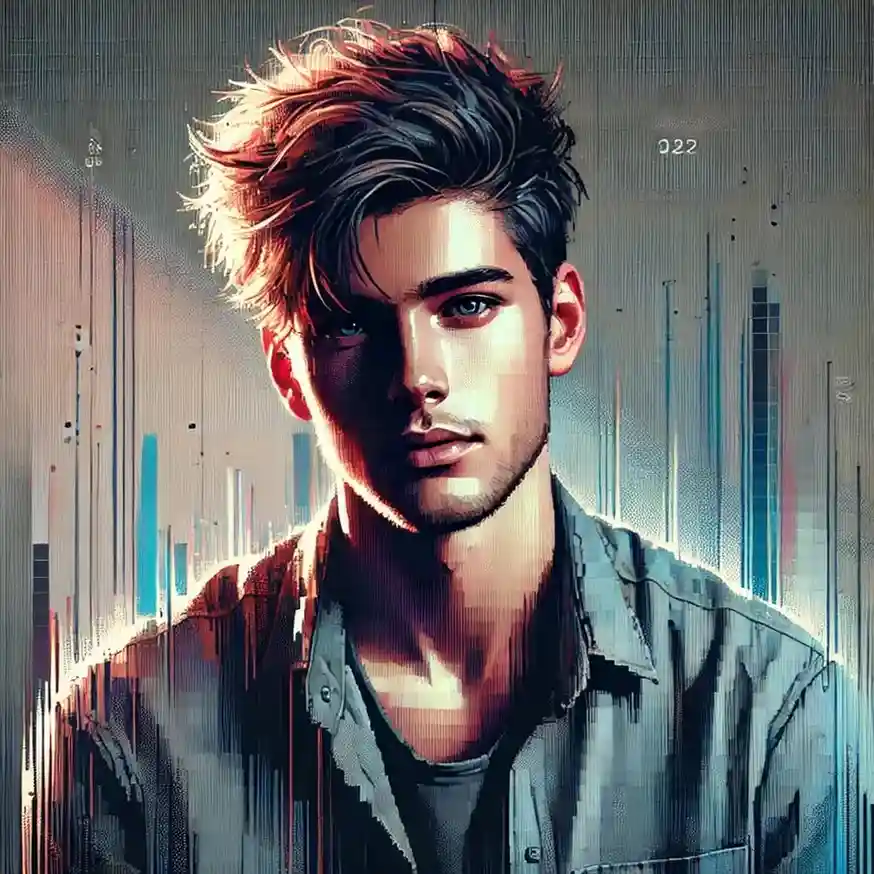
How to Do It:
- Import your subject (e.g., an object or person) into Pixellab.
- Copy the subject layer and turn it into a solid black form.
- Blur the black shape a little and put it in the back of the subject to achieve the shadow effect.
- Make the shadow opacity and direction align with lighting in your artwork.
This works for posters, social media graphics, and brand materials.
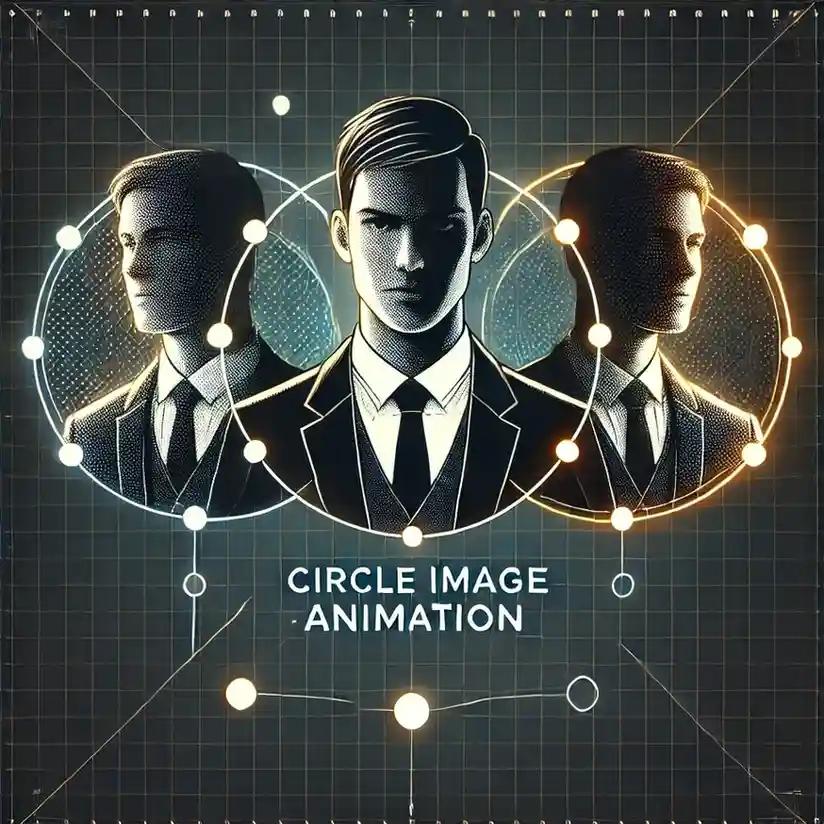
4. Circle Image Animation:
Circle image animations are a unique method of showing photos or icons in a responsive and attractive manner. This effect is ideal for presentations, tutorials, infographics or any design that calls for a circular emphasis.
How to Do It:
- Use the “Shape” tool to draw a circle mask.
- Put your image or icon within the circle.
- Apply rotation or scaling animation to the circle so that it will spin or pulse.
- Interpolate between two circle animations to create a more complex design.
This method is easy but extremely useful for providing motion to your designs.
5. Zoom In and Zoom Out Effect:
This animation is also very effective to bring your design to life. The zoom-in, zoom-out is one of the most traditional methods of animation that gives drama and emphasis to your designs. It is used effectively for storytelling, emphasizing major elements, and giving a cinematic effect.
How to Achieve It:
- Begin with your initial design in Pixellab.
- Apply the “Animation” tool to make a zoom-in effect on the center of your design.
- Make the animation in reverse to have a zoom-out effect.
- Tweak the timing and easing to make the transition natural and smooth.
This effect can be applied to videos, tutorials, GIPs, or static designs, as it is adaptive and harmonizes well with animated elements.
6. Article Ink Effect:
This effect emphasizes the text being read currently, then transitions to the next section of the text, and so forth. It is perfect for videos containing written content and is suitable for storytelling.
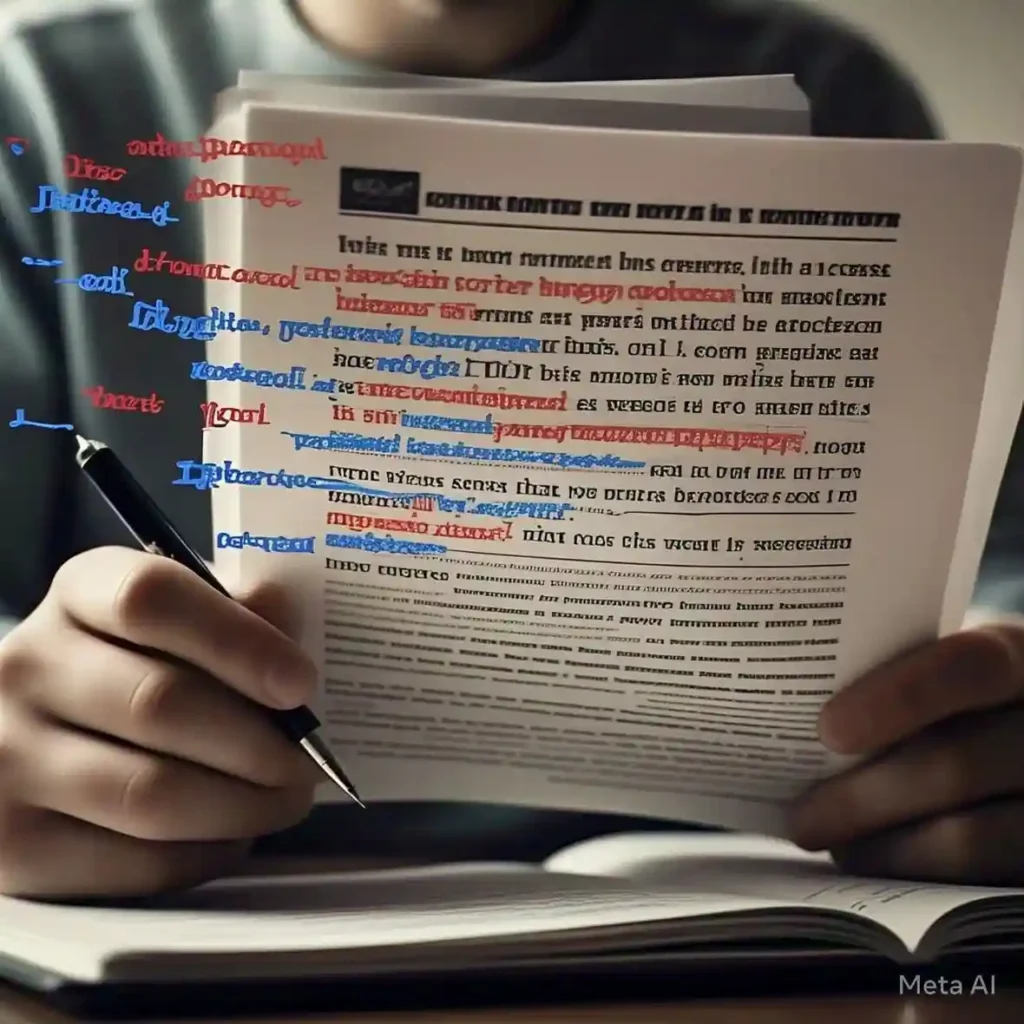
Article Ink Effect in mod pixellab apk advanced animations
How to Achieve It:
- Employ a background gradient or color behind the text to achieve the highlighter effect.
- Select a color of text that has good contrast with the highlight color so that it can be read. For instance, if the highlight is black, use light text such as yellow or white.
- Apply a smooth animation to the highlighter so that the highlighter is moving across the text.
- Utilize the “highlight” tool to achieve the highlighter effect.
- Add text or images to pair the effect with to finalize the look.
This effect puts a touch of creativity and sophistication into your designs.
7. Mind Animation:
Mind animation is a thought technique that brings ideas, thoughts, or connections to life. It’s ideal for educational materials, brainstorming images, or innovative projects.

How to Do It:
- Utilize the “Shape” and “Line” tools to form a web or network of relationships.
- Insert animated nodes or icons to symbolize ideas or concepts.
- Employ color and movement to distinguish between various elements.
- Pair this effect with text or images to communicate your message.
This is an effective method for bringing abstract concepts into the tangible and engaging realm.
Final Thoughts
Pixellab is a photo editing app that provides limitless opportunities for artistic expression. With these advanced editing methods, you can produce breathtaking visuals that engage your audience and take your designs to the next level. Whether you’re creating social media content, branding materials, or personal projects, these methods will make you stand out in a busy digital world.
So, what are you waiting for? Go ahead and open Pixellab, play around with these tips, and unleash your creativity!